Your phone, your PC's control deck.
One-tap shortcuts, OBS, Discord, Spotify and game dashboards. Over USB, Wi‑Fi or mobile data, end-to-end encrypted.
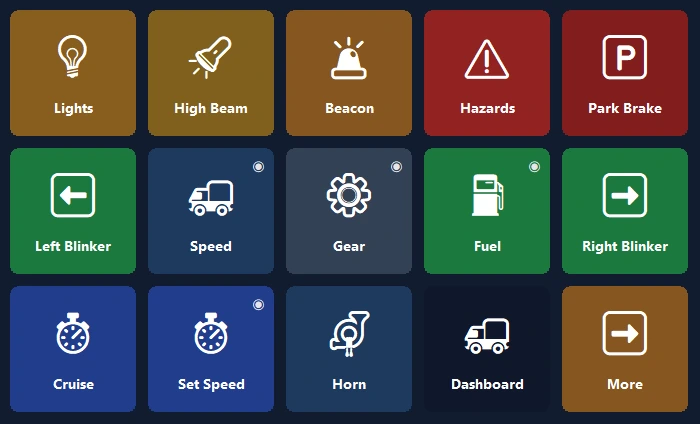
Your truck's dashboard, now on your phone.
Live speed, RPM, fuel and realistic warning lights; your truck's controls are one tap away.
- 🚦A real dashboardSpeed, speed limit, RPM, fuel and arrival time; warning lights come on just like in the game.
- 🕹One-tap controlLights, parking brake, cruise control; look left or right with one tap.
- 📳Zero setupWhen the game starts, the phone offers a ready-made panel and switches to it every time you play.
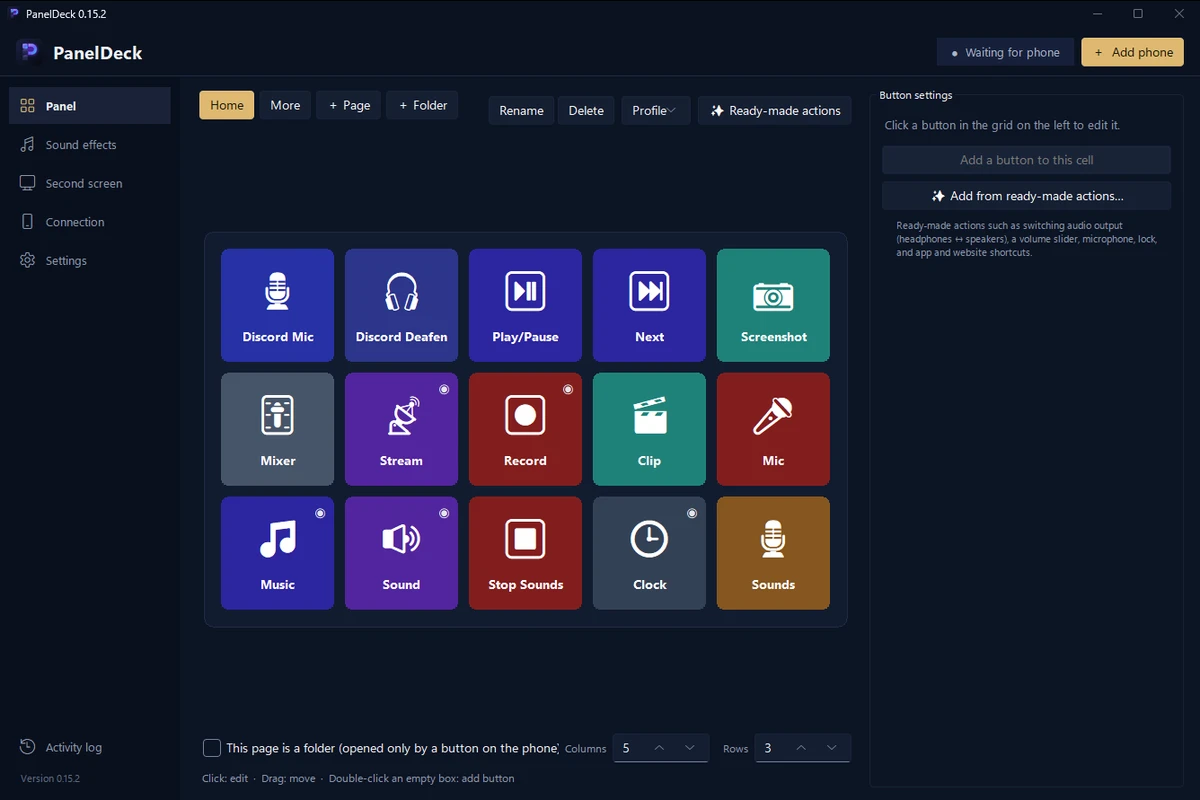
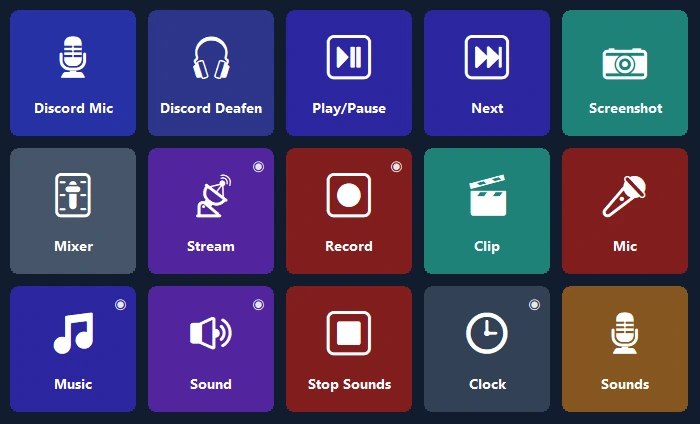
Run your stream with one hand.
Your phone instead of an expensive device: OBS, sound effects, Discord and music on one screen.
- 🎬OBS controlScenes, recording and streaming, with timers right on the button.
- 📳Soundboard and musicPlay ready-made sounds and control Spotify and each app's volume from one screen.
- 🎙Voice StudioNatural female, male and child voices, or create your own; mute the mic going to Discord with one tap.


Open your app, your panel is ready.
Panels built from the official shortcuts of Photoshop, Premiere Pro, After Effects, Illustrator, DaVinci Resolve, Blender, Figma and VS Code.
- ✨Zero setupWhen the app comes to the front, the phone offers its ready-made panel, then switches to it by itself (Pro).
- ⌨The right shortcutsTools, layers, undo, markers, using each app's own default shortcuts.
Your mic, one tap away.
Mute your mic in Teams, Zoom, Meet, Webex and Slack without setting up a shortcut, even with the meeting window in the background.
- 🎙Only that appWindows mutes only the meeting app's microphone; other apps aren't affected.
- 🔴See the state at a glanceWhile muted, the button's light glows red; included in the free version too.

The handiest screen on your desk.
Start in a minute with a ready-made layout; the real logos of your programs are added automatically.
Second screen
Watch your PC screen on the phone and use it as a touch mouse and keyboard.
App volume
Set each program's volume on its own; headphones ↔ speakers with one tap.
Smart pages
Pages follow the program in front; timers, folders and multi-step actions.
Connects from anywhere
No need for the same Wi‑Fi: it also works over mobile data and with several PCs.
Encrypted cloud backup
Your layout is backed up encrypted, without an account, and comes back on a new PC.
Privacy
No account, no ads, no tracking. Your buttons stay on your own devices.
Set up in a minute.
Install the program
Download the free PanelDeck for Windows and open it.
Scan the QR code
The phone app pairs in seconds with the QR code.
Tap
Pick a ready-made layout or build your own buttons.
Pay once, keep it forever.
No subscription, no ads, no tracking. All updates included. Google Play shows the local price for your country.
Free
- Connect over USB, Wi‑Fi and mobile data
- 6 buttons on the first page
- Hotkeys, media, open programs, Discord, timer
PanelDeck Pro
Launch price; then $6.99. 7-day free trial.
- 6 tabs, unlimited folders and buttons
- Second screen, volume sliders, live info
- Truck dashboard, Voice Studio, panels that arrive when an app opens
- Encrypted cloud backup
Good to know
Do I need an account?
No. PanelDeck doesn't ask for an account; your buttons stay on your own devices.
Does it work away from home?
Yes. Without the same Wi‑Fi, the phone connects over mobile data, end-to-end encrypted.
Which games does it work with?
Euro Truck Simulator 2 and American Truck Simulator are fully supported. Live dashboards for racing and flight simulators are in beta.
Is there an iPhone version?
Android for now. An iPhone and iPad version is on the roadmap.
What if Windows says it “protected your PC”?
Click “More info” → “Run anyway”. Details in the installation guide.